RViz2
Rviz is a 3D visualizer that comes with ROS (Robot Operating System).
Using Rviz, you can display data such as player information, LiDAR, and camera streams in a 3D environment.
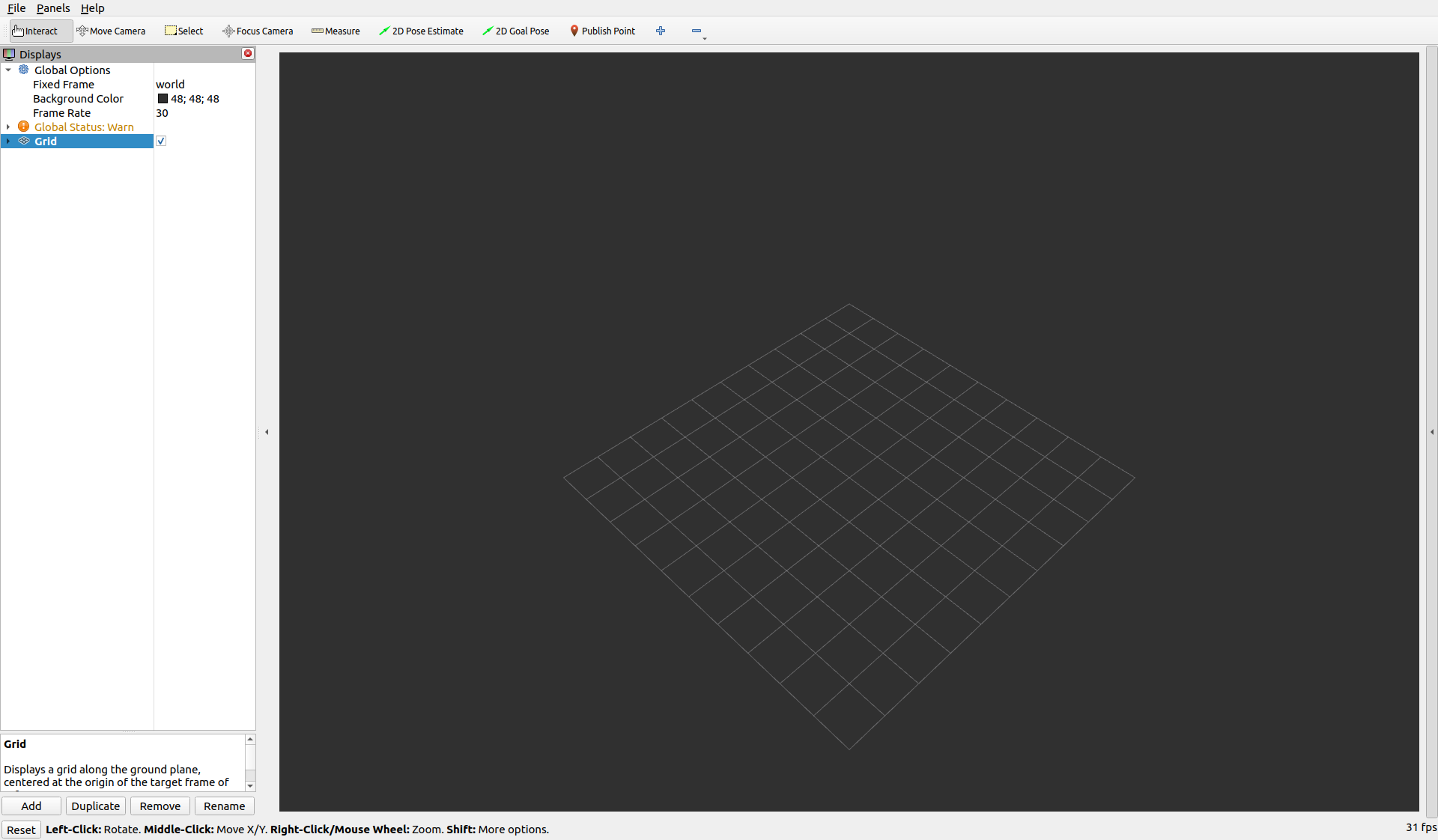
Launch
rviz2That’s all you need (assuming you have already sourced your environment).
Configuration
Here, we will visualize Image and LiDAR data. (Make sure minecraft_ros2 is running.)
Image
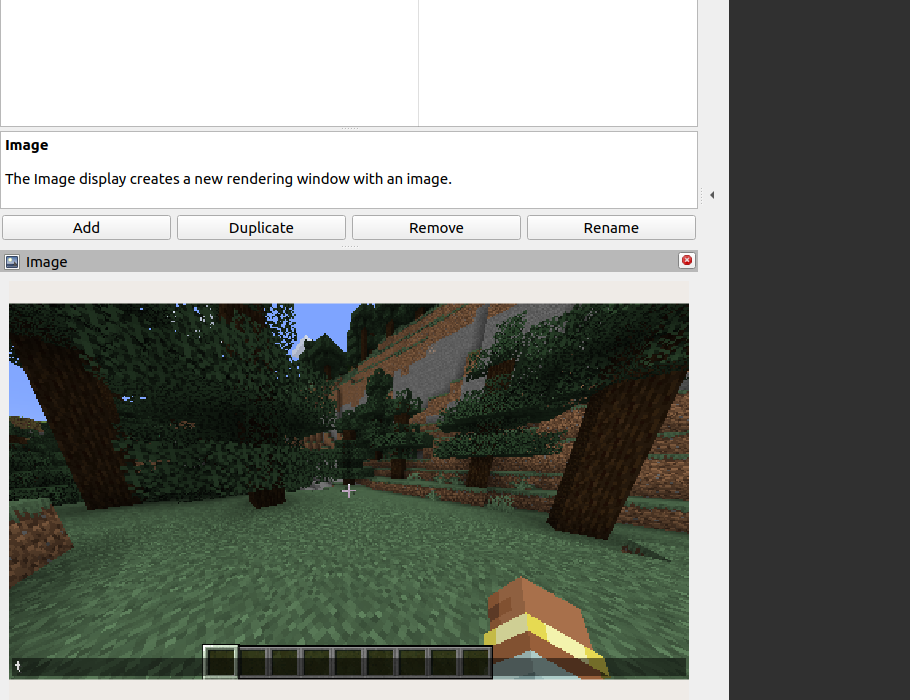
Image topics carry image data—in this case, the Minecraft gameplay screen.
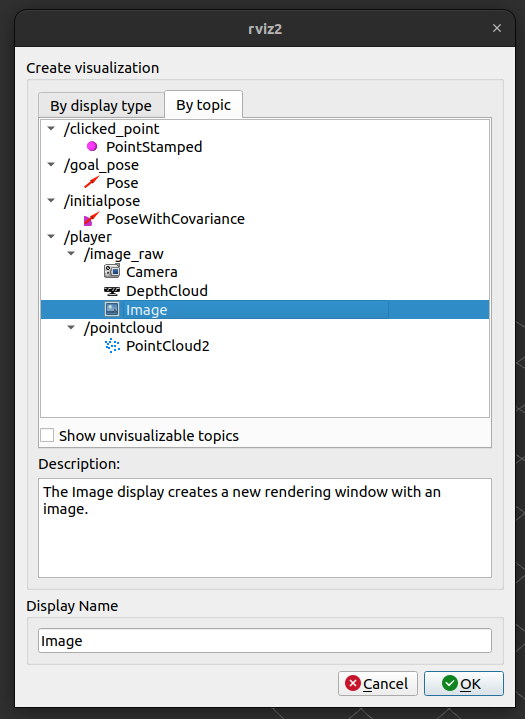
From the bottom-left Add button, choose By topic → Image.
Then, the Minecraft screen will appear in the bottom-left view!
LiDAR
By equipping a LiDAR sensor, you can obtain distance measurements to surrounding blocks and entities.
Just like with Image, select By topic → PointCloud2.
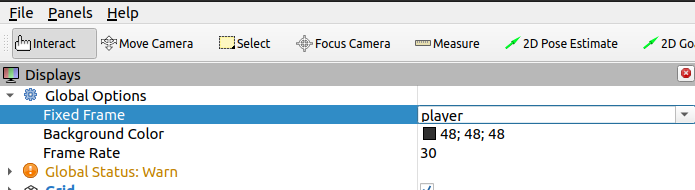
At first, nothing may appear. This is because the coordinate frame is incorrect.
Change the Global Options → Fixed Frame to player, and the LiDAR data will be displayed.
If the points are hard to see, you can adjust PointCloud2 → Size (m) to make the visualization clearer.